Backrooms Level 0, Made by AI in Blender
This 27-second Backrooms Level 0 short was made by an AI agent in Blender, going from an empty scene to the final cut in under five hours. The agent generated every model, texture, light, camera move and sound effect in it for this film. The only things it didn’t make are the 3D-Agent logo and the typefaces used for on-screen text.
Made with: Claude Opus 5.5 + 3D-Agent + Blender MCP · Blender 5.1 · EEVEE · 1080p at 24 fps
The Backrooms: Level 0. Three wanderers, a failing grid of fluorescent lights, and something in the dark. 27 seconds, with sound.
What the Agent Made
| Film | 27 seconds at 1080p and 24 fps: eight shots from ten cameras |
| Rendered frames | 528, plus a title card and an end card |
| Scene | 425 objects, 34 materials, 65,428 triangles |
| Lights | 240, of which 22 fail on cue during the film |
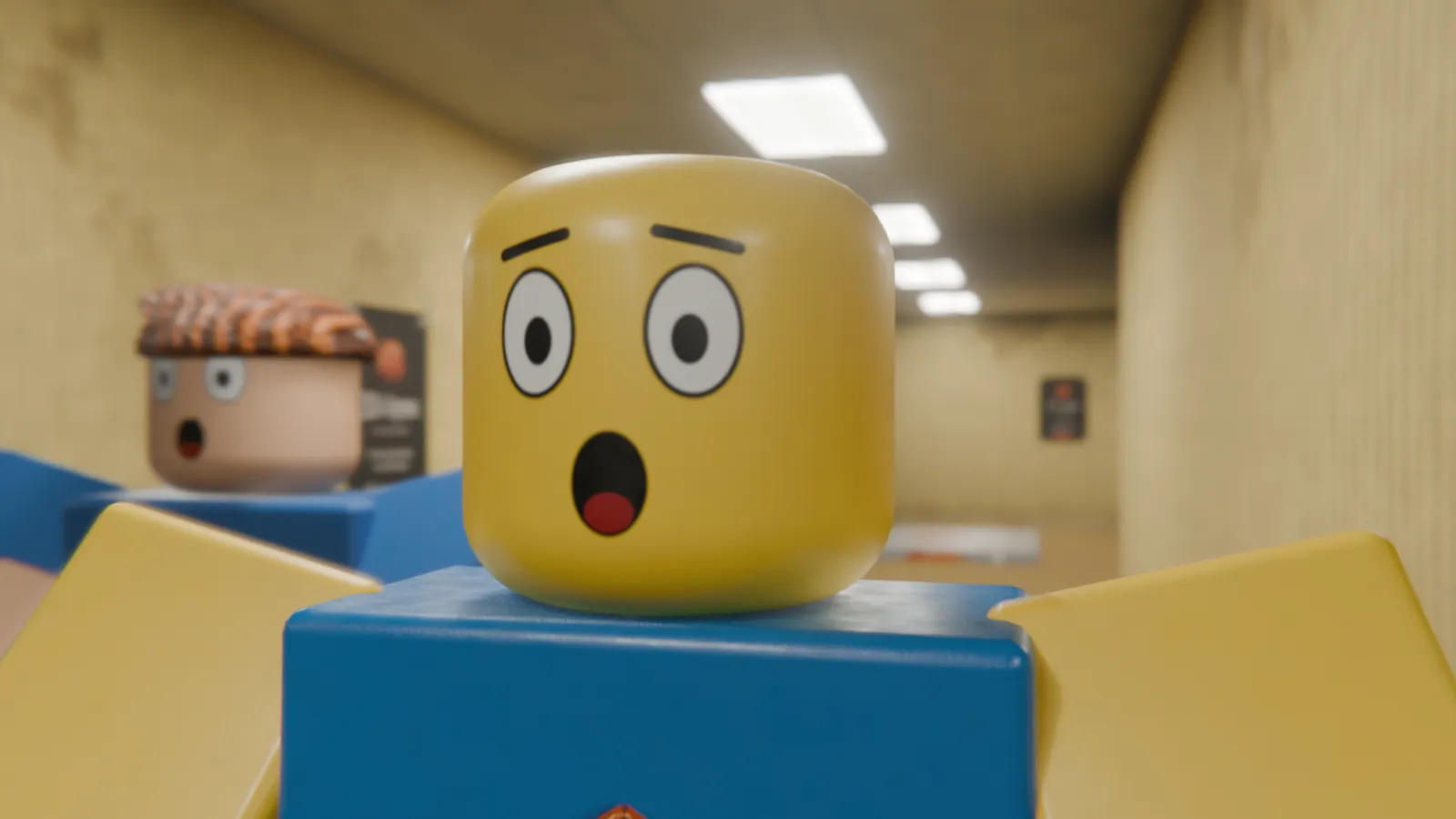
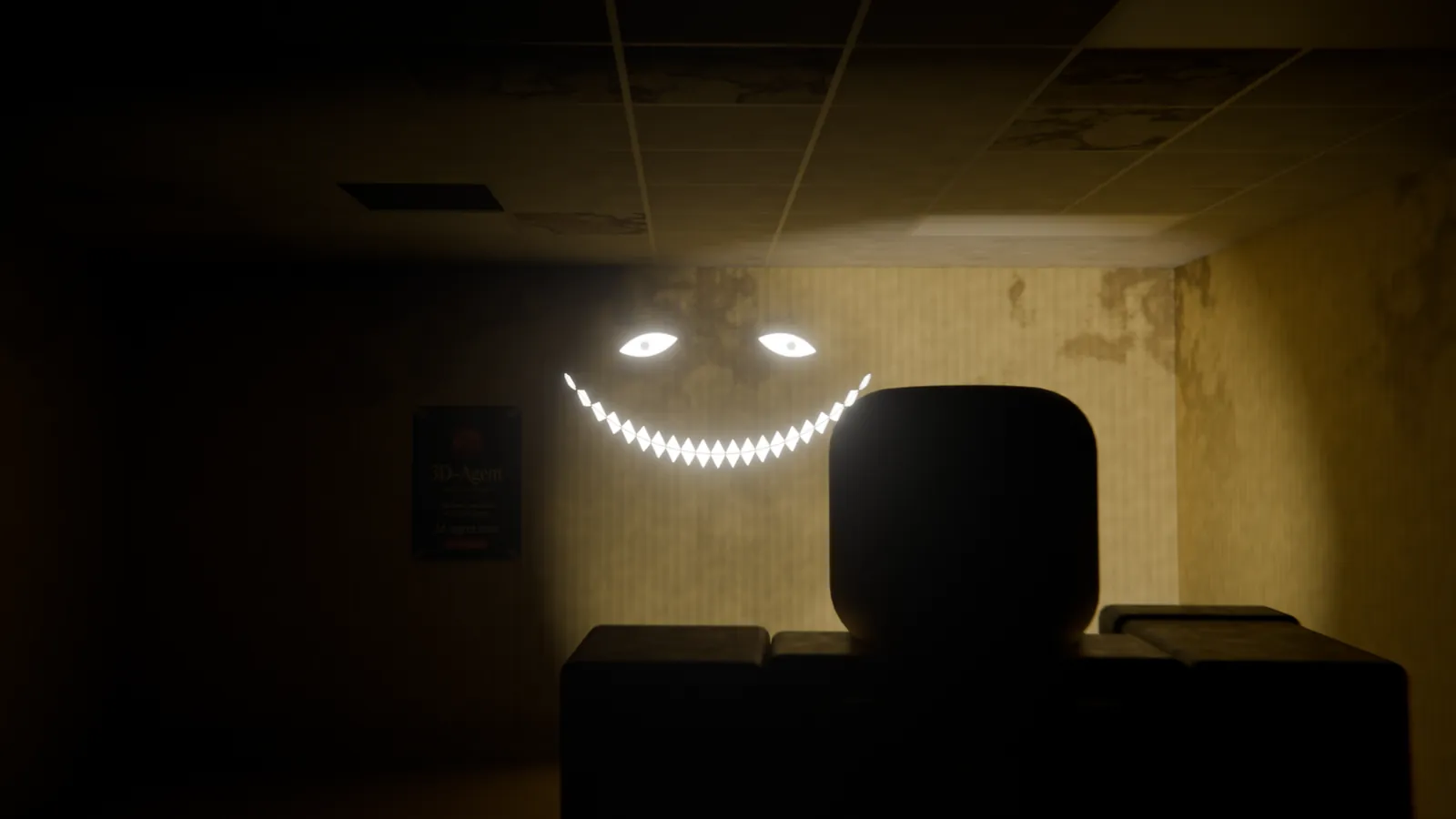
| Characters | Four Roblox-style characters with swappable faces, the Smiler, and an entity |
| Sound | Hum, footsteps, buzzing lights, screeches and a heartbeat, all generated from scratch. No stock audio or music library |
| Time | Under five hours from an empty scene to the final cut, most of it rendering |
Scrub the Build
Drag the slider, or pick a step, to see how the film came together. Times count from the empty scene.
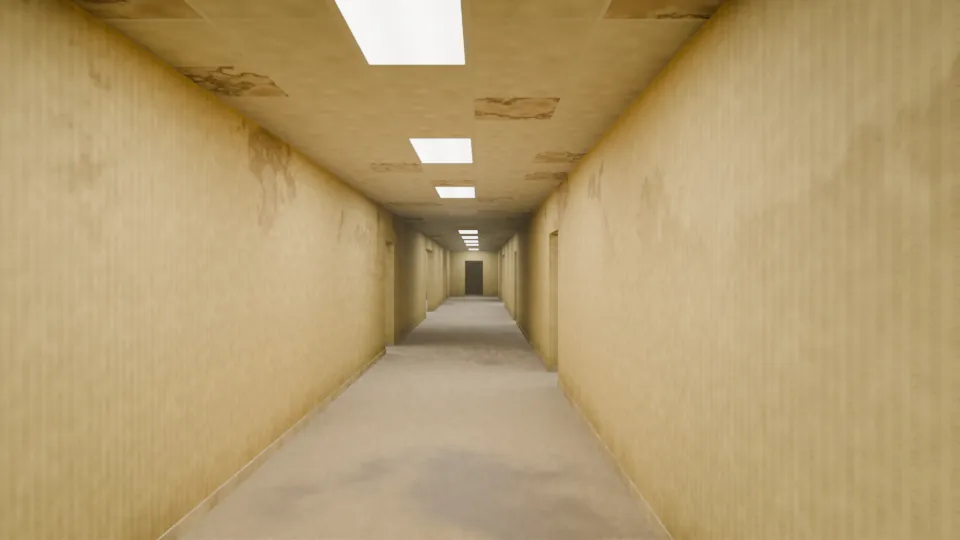
First Cut vs Final Cut
The same frame, 138, from the same camera, rendered from the first-cut scene and from the final scene. Drag across the image to compare.
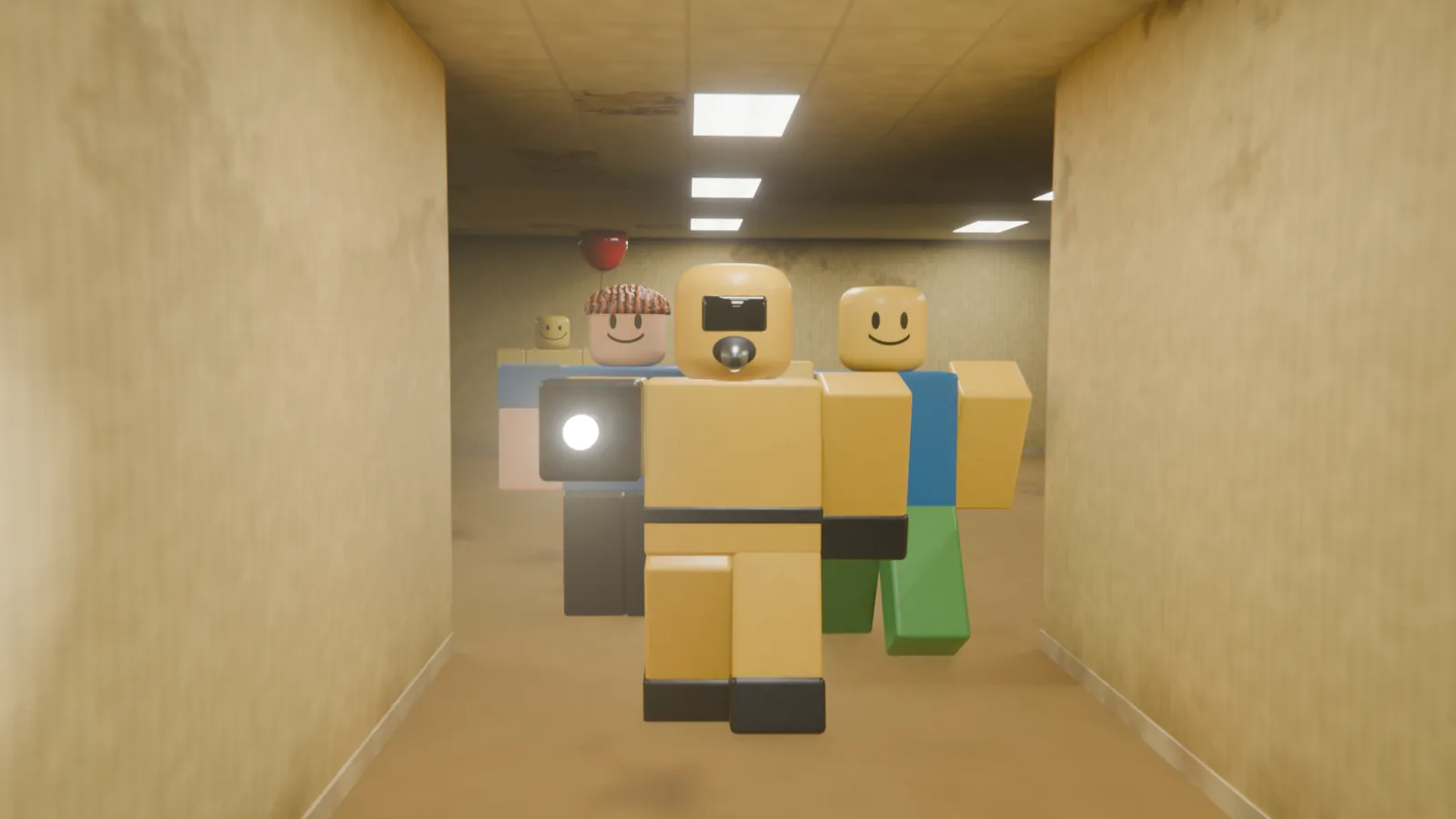
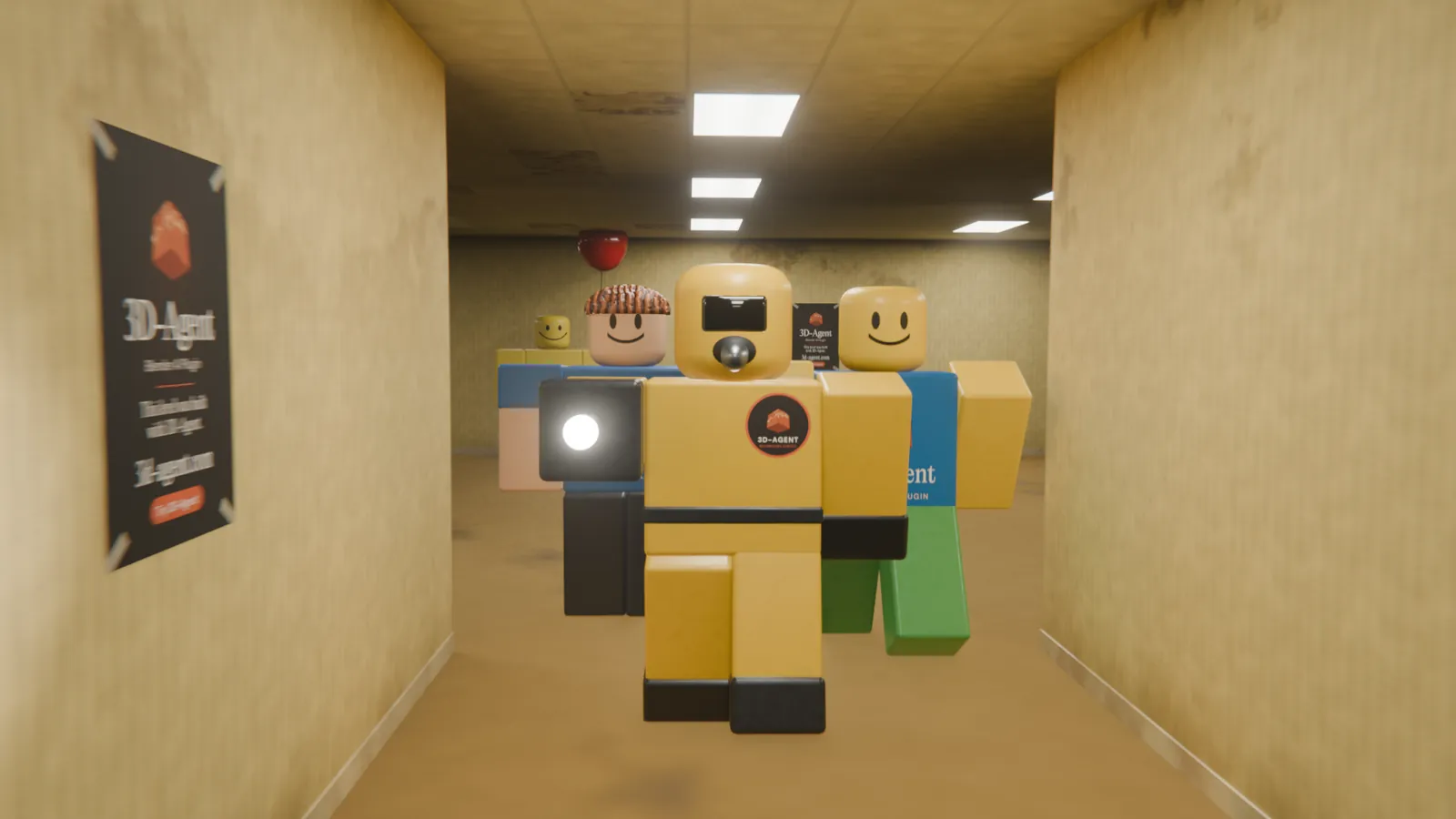 Final cutFirst cut
The walls, lights and camera move are the same in both cuts. The second pass adds the posters and the logos on the costumes, and replaces the entity that appears later in the film.
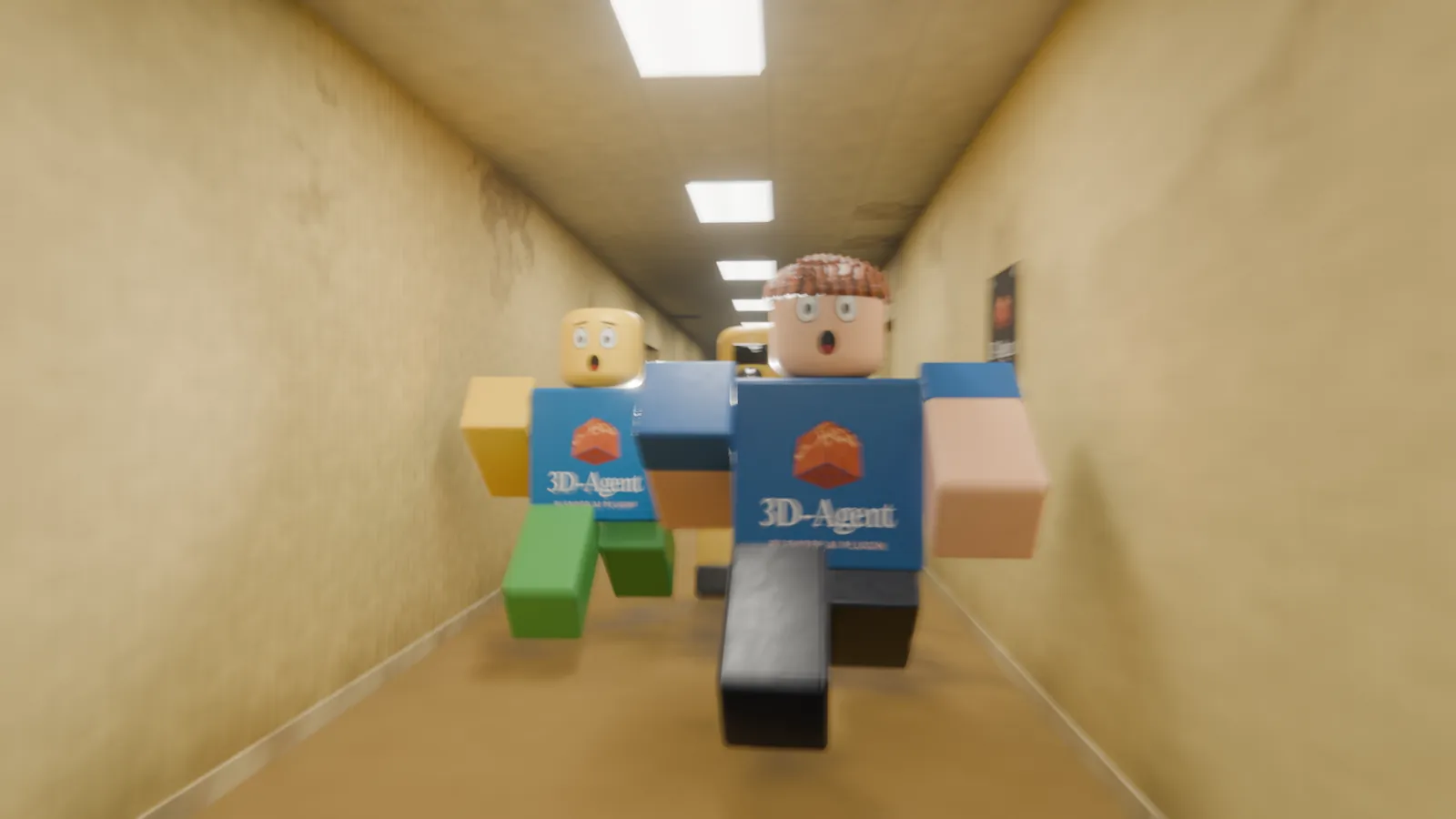
Stills From the Film
Free Backrooms Level 0 Textures
The wallpaper and ceiling textures from the film are free to download under CC0, so you can use them for anything, commercial work included, without asking. Credit is appreciated but not required.
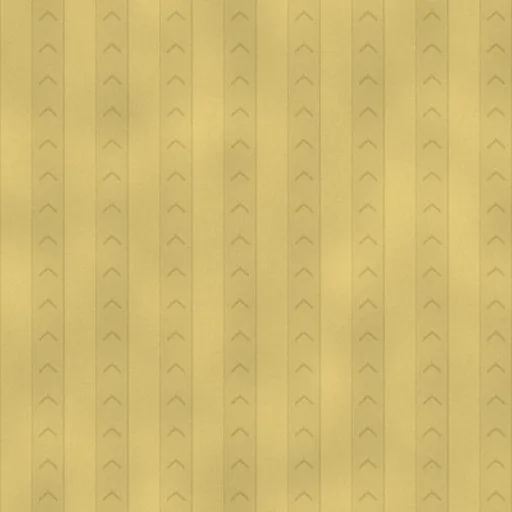
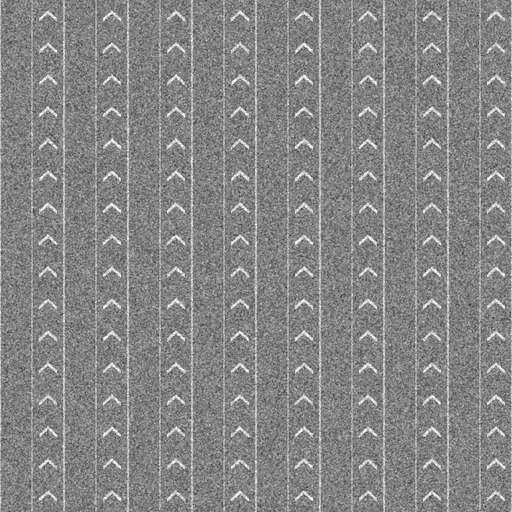
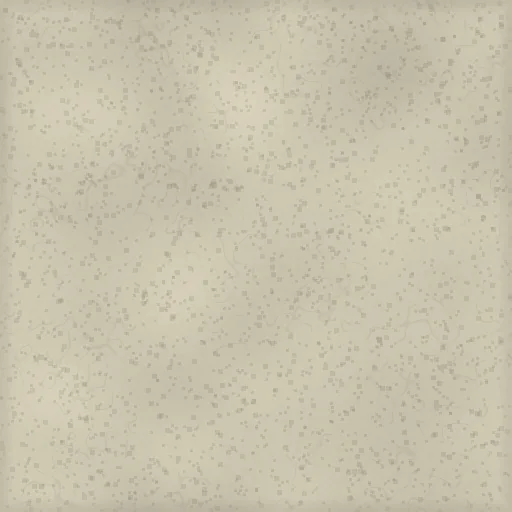
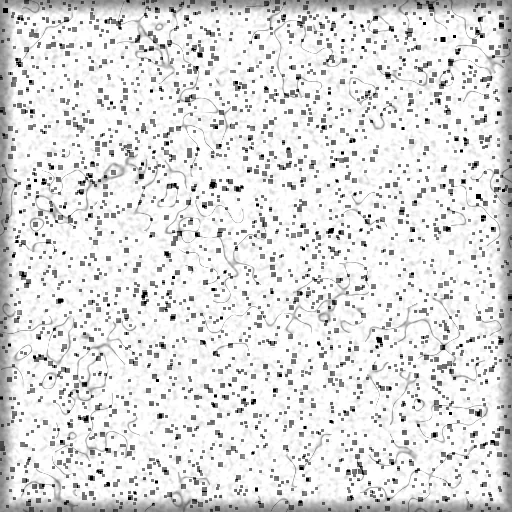
Download the Backrooms Level 0 texture pack (ZIP, 2.1 MB): four PNG files and a licence note.
In Blender, connect the colour map to the Base Color of a Principled BSDF. Connect the bump map through an Image Texture node (set to Non-Color) to a Bump node’s Height input, then plug the Bump node into Normal. The ceiling tile repeats seamlessly in both directions. The wallpaper repeats seamlessly top to bottom, but shows a faint seam side to side, so place that edge at a corner or a door frame.
In Roblox Studio, upload a colour map as a Decal or a Texture and apply it to a part’s faces to give a Backrooms build the Level 0 look.
FAQ
Can AI make the Backrooms in Blender?
Yes. This Backrooms Level 0 short was made by an AI agent working in Blender: the level, the Roblox-style characters, the lighting, the camera moves, the render and the sound. It took under five hours from an empty scene to the final cut.
Which AI made this film?
Claude Opus 5.5, working with 3D-Agent and Blender MCP. It was rendered in Blender 5.1 with EEVEE.
Are the Backrooms textures free?
Yes. The wallpaper and ceiling textures are released under CC0, so you can use them in any project, commercial work included. Credit is appreciated but not required.
Can I use the textures in a Roblox Backrooms game?
Yes. Upload a colour map to Roblox Studio as a Decal or a Texture and apply it to your parts. CC0 means you do not need permission.
Is this an official Backrooms or Roblox production?
No. The Backrooms is a community-created setting. This is an independent fan short that uses Roblox-style characters, and it is not affiliated with or endorsed by Roblox Corporation or by the makers of any Backrooms film or series.
Disclosure: the team that maintains this site also builds 3D-Agent, a paid Blender AI app, and the film carries its branding. The free textures above work in Blender on their own. For more animation work like this, see 3D-Agent’s Blender animation page.
The Backrooms is a community-created setting. Roblox is a trademark of Roblox Corporation. This fan-made short is not affiliated with or endorsed by Roblox Corporation or by the makers of any Backrooms film or series.